

APK extractor的官方開發商為Code Play。
版本2.5
更新日期2025-02-21
評分3.0
類型工具
應用程式檔名稱apk.extractor.installer
下載數100+
APK extractor 簡介
Discover the ultimate solution for managing your Android apps with the App Extractor and Uninstaller. This versatile application combines two essential functions, allowing users to seamlessly extract APK files for backup and share purposes while also providing a streamlined uninstallation process for efficient app management.
Key Features:
APK Extraction:
Backup and Share: Extract APK files from installed apps to create secure backups or share them with friends and family. This feature ensures that you always have a copy of your favorite apps, even if they are no longer available on the official app store.
Offline Installation: Save APK files locally on your device for offline installation, eliminating the need for an internet connection when reinstalling apps.
Uninstaller:
Say goodbye to unwanted apps cluttering your device. The Uninstaller feature allows users to remove applications, saving time and freeing up valuable storage space.
System App Removal: Take control of your device by uninstalling pre-installed system apps that are often non-essential and may consume precious resources.
User-Friendly Interface:
Intuitive Design: Enjoy a user-friendly interface that makes navigating through the app a breeze. Whether you're extracting APKs or uninstalling apps, the design ensures a smooth and straightforward experience.
Quick Access: Access essential functions with just a few taps, making the entire process efficient and accessible for users of all experience levels.
Sleek Design: Navigate through the app with ease thanks to a sleek and intuitive interface. Enjoy a visually pleasing experience while effortlessly finding and installing the apps you desire.
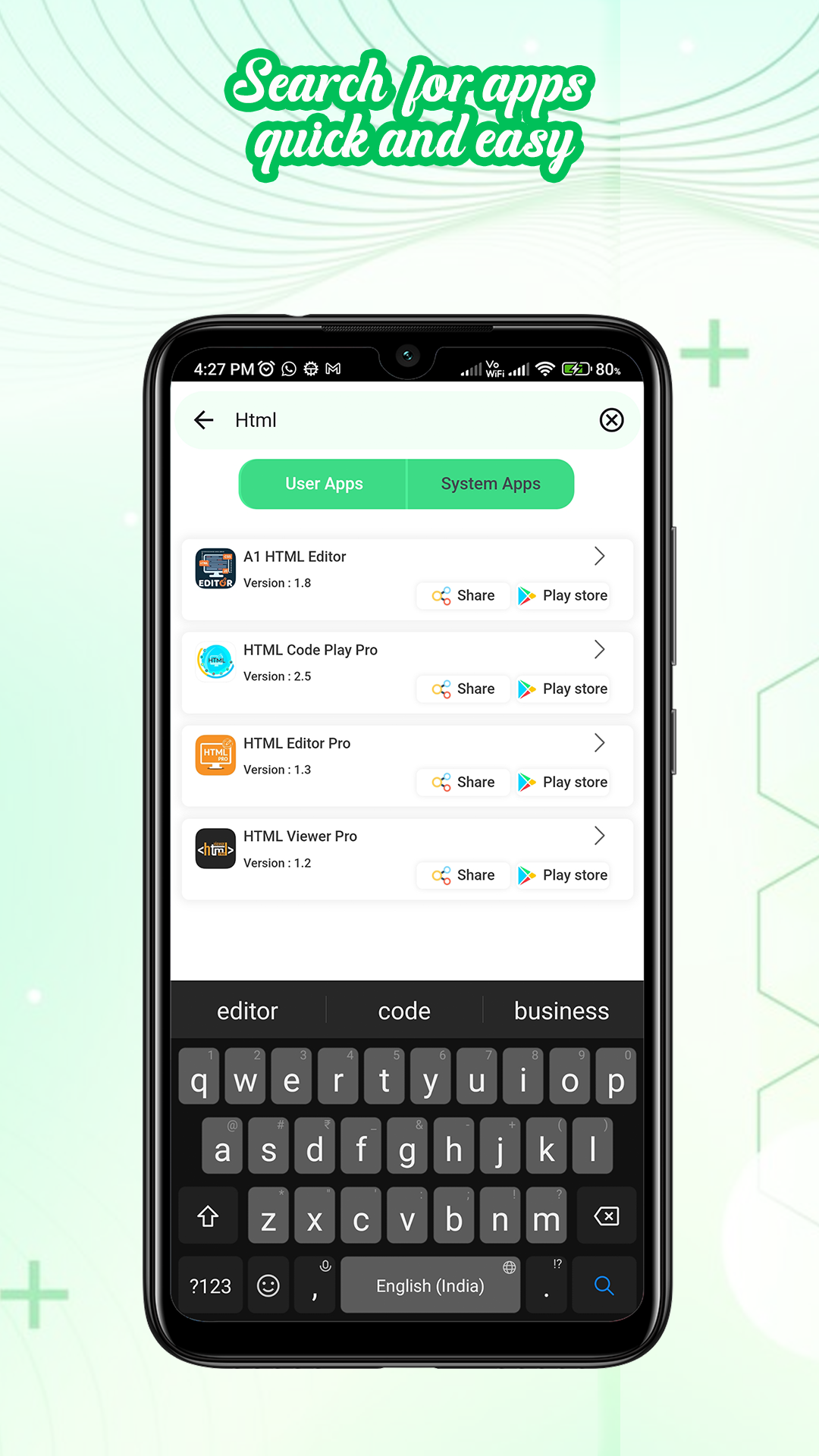
Quick Search: Find apps quickly with a robust search function that allows you to locate specific applications or explore new ones based on your interests.
Storage Optimization:
Clear Cache and Data: Optimize your device's storage by clearing app caches and data. This feature helps to keep your device running smoothly by removing unnecessary files associated with installed applications.
Security and Privacy:
Secure Backups: Rest easy knowing that your app backups are secure and easily accessible. Protect your data by having a backup plan in place for all your important applications.
Privacy Protection: Ensure your personal information stays private by uninstalling apps you no longer use. The Uninstaller feature helps you maintain control over the apps installed on your device.
Experience the convenience of managing your Android apps with the App Extractor and Uninstaller. Download the app today and take control of your device's app ecosystem effortlessly.
Step into a world of limitless possibilities with APK Market Opener, the app that opens the door to a vast array of Android applications. Whether you're seeking the latest games, productivity tools, or innovative utilities, APK Market Opener empowers you to explore and install APK files effortlessly.
Regular Updates:
Stay Current: APK Market Opener ensures you're always in the loop with regular updates. Discover the latest versions of your favorite apps and stay ahead with cutting-edge features and improvements.
Automated Notifications: Enable notifications to receive alerts when updates for your installed apps are available. Keep your apps up-to-date effortlessly.
展開


APK extractor 對我的電腦設備來說安全嗎?
展開
是的,APK extractor 遵循 Google Play 的內容指南,確保您在您的 Android 設備上安全使用。
什麼是XAPK檔案?如果我下載的APK extractor是XAPK檔案怎麼辦?
展開
XAPK是一種檔案擴充格式,單獨的APK檔案和OBB cache assets檔案。
XAPK檔案可以簡單透過手機上的預設安裝器直接下載安裝到Android裝置。
XAPK檔案可以幫助你在手機或平板下載或傳輸大型應用程式時節省很大的資料容量。XAPK檔案甚至可以讓你毫無障礙地下載和安裝受區域限制的應用程式。
XAPK檔案不像APK檔案可以簡單透過手機上的預設安裝器直接下載安裝到Android裝置。APKPure XAPK 安裝器可以透過最方便的方式幫你一鍵安裝和管理Android裝置上的APK和XAPK檔案。
具體安裝教學可以透過以下連接查看:https://apkcombo.com/tw/how-to-install/
而在電腦上只需拖拽XAPK檔案至雷電模擬器中即可。
我可以在電腦上玩APK extractor嗎?
展開
是的,你可以透過在電腦上安裝雷電Android模擬器,然後將你下載好的 APK 檔案拖入運行的模擬器內,即可開始在電腦上玩APK extractor。您也可以打開模擬器,搜尋你想要玩的遊戲或應用程式進行安裝。


